

Private reminders: how to keep them off the lock screen when others can see your phone
The short answerAnyone near your phone can read what lights up on the lock screen. Hide notification content in your phone settings, choose neutral wording for reminders, and check watches and widgets too. Then test it by locking the phone and asking a friend what they can see.
On this page
- Why does it matter who can see your screen?
- What can you change on your phone?
- Do watches show the same thing?
- How do you choose neutral wording?
- What about widgets and shared screens?
- What about shared accounts and shared phones?
- What does a privacy-minded reminder app do?
- What if someone asks?
- Is this medical or legal advice?
- Try this today
- Sources
- Frequently asked questions
Why does it matter who can see your screen?
A phone on a shared table or desk lights up. Roommates, coworkers, visitors and family can read a preview in a second. If a reminder is personal, such as a health task, a therapy session or an appointment, you may not want it shown.
Privacy is not about hiding something wrong. It is about choosing who knows. That choice is yours.
What can you change on your phone?
Menu names vary by phone and software version, so look for words like "notifications", "lock screen" and "previews".
- iPhone. Look for the option to show previews only when unlocked in the notifications settings. Apple's Do Not Disturb page also describes Focus modes, which can silence selected apps at selected times.
- Android. Look for a lock-screen notification setting that hides sensitive content or shows no notifications on the lock screen. Android's help page also covers modes and which apps are allowed through.
- Per app. Both systems let you change notification settings for one app at a time, so you can hide one app without hiding all.
For step-by-step help with names on a lock screen, see medicine reminders without names on the lock screen.
Do watches show the same thing?
Often yes. Apple says an Apple Watch shows "notification summaries, or short looks" by default, and that you can turn off Show Summary When Locked, or turn on Tap to Show Full Notification so details appear only after a tap. Other watches have their own settings. Check the watch's companion app.
How do you choose neutral wording?
Write reminders so they mean something to you and little to anyone else. Compare:
| Revealing | Neutral |
|---|---|
| A named health item | "Evening check" |
| A named appointment | "Call at 4" |
| A full description | A short code word you pick |
Pick words that you will still understand six months from now. A neutral word that you cannot decode is as useless as a missed alert.
What about widgets and shared screens?
Home-screen widgets and lock-screen widgets may show details even when notifications are hidden. Look at the widget settings. If you cast your screen at work or in class, switch on Do Not Disturb first so notifications do not pop up on the projector.
What about shared accounts and shared phones?
If the phone is shared, use separate user profiles or separate apps where possible. Do not rely on one hidden notification. If you are in a flat share, a simple habit helps: put the phone face down.
What does a privacy-minded reminder app do?
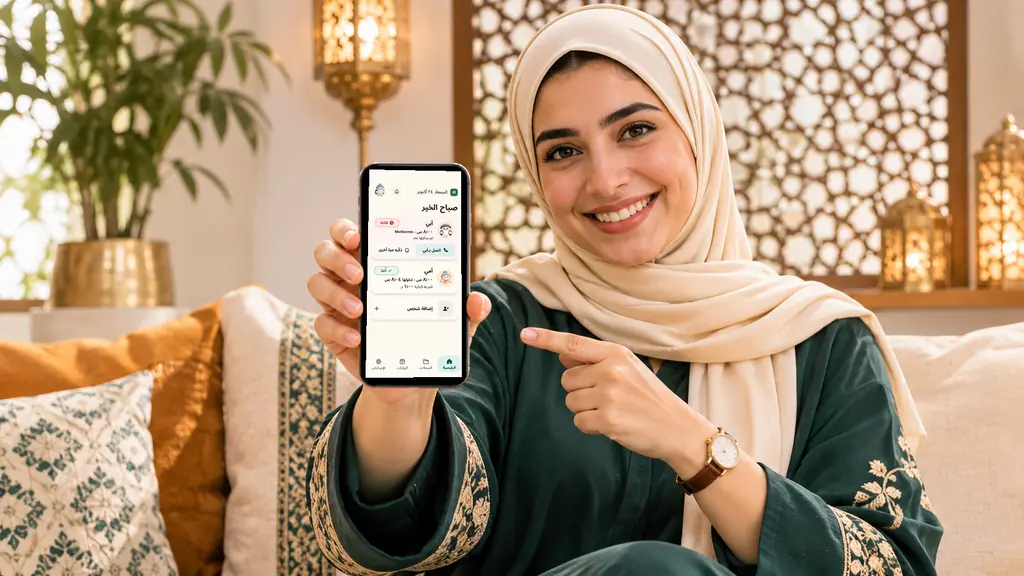
Look for an app that does not put detailed content on the lock screen by default, and ask how it treats watches and widgets. Pillbond's lock-screen notification only says "Time for your medicine", without a name. The detail appears on the alarm screen your parent opens. The checklist for choosing a reminder app includes a privacy question list.
What if someone asks?
You owe nobody an explanation. A simple line works: "It's a personal reminder." Say less, not more. If you need an accommodation at work, you can ask for one without sharing details.
Is this medical or legal advice?
No. If a reminder relates to health, your doctor or pharmacist advises on that. If you are worried about a workplace policy, ask HR or a representative.
Try this today
- Lock your phone and ask a friend to read what shows when you get a reminder
- Turn on "hide content" or "show previews when unlocked" for the reminder app
- Rename the reminder to neutral words you will understand
- Check your watch and widgets
- Turn on Do Not Disturb before sharing your screen
- Test again after the next phone update
How do I hide reminder details on my lock screen?
Open your phone's notification settings and choose the option that hides content or shows previews only when unlocked. Then test with a locked phone.
Can coworkers see my reminders on a shared screen?
Yes, if notifications pop up while you share. Turn on Do Not Disturb before you present.
Does hiding previews hide the alarm itself?
No. The alert still rings; only the text is hidden. Test to confirm.
Should I use code words?
A short neutral word is fine if you will remember what it means. Keep it simple.
Do smartwatches show private text?
They can. Check the watch settings; Apple documents options for hiding summaries on a locked Apple Watch.
Sources
All pages opened and read on 9 November 2026.
- How to turn Do Not Disturb on or off on your iPhone (Apple Support), read 2026-11-09
- Notifications on your Apple Watch (Apple Support), read 2026-11-09
- Limit interruptions with Modes & Do Not Disturb on Android (Android Help), read 2026-11-09
Pillbond is a reminder tool, not a medical service. This page is general information, not medical advice. Follow the prescriber or pharmacist.
Frequently asked questions
How do I hide reminder details on my lock screen?
Open your phone's notification settings and choose the option that hides content or shows previews only when unlocked. Then test with a locked phone.
Can coworkers see my reminders on a shared screen?
Yes, if notifications pop up while you share. Turn on Do Not Disturb before you present.
Does hiding previews hide the alarm itself?
No. The alert still rings; only the text is hidden. Test to confirm.
Should I use code words?
A short neutral word is fine if you will remember what it means. Keep it simple.
Do smartwatches show private text?
They can. Check the watch settings; Apple documents options for hiding summaries on a locked Apple Watch.
Be there for them, from anywhere.