
How Pillbond works
You set it up once from your phone. Your parent only has to answer a call-style alarm. Here are the six steps, then what happens at dose time.
Reviewed on 3 October 2026.

Step 1: Sign in
Open Pillbond and sign in with Google or Apple. It takes a few seconds.
Sign in
Step 2: Add your parent
Enter their name, language and phone number. You can add more parents later.
Add your parent
Step 3: Send the invite
Share a link on WhatsApp, show a QR code, or read out the 6-digit code. Your parent does not need to type anything.
Send the invite
Step 4: Your parent joins
They tap the link. If Pillbond is not installed, the store opens first. Then the app joins your family on its own.
Parent joins
Step 5: Phone ready check
The app checks that alarms, notifications and battery settings will let it ring on time, and walks your parent through any fix.
Phone ready
Step 6: Add medicines
Type them in, or scan a prescription. The AI lists the medicines and you confirm each line. Then pick the times.
Add medicines
At dose time
- The alarm rings like a call
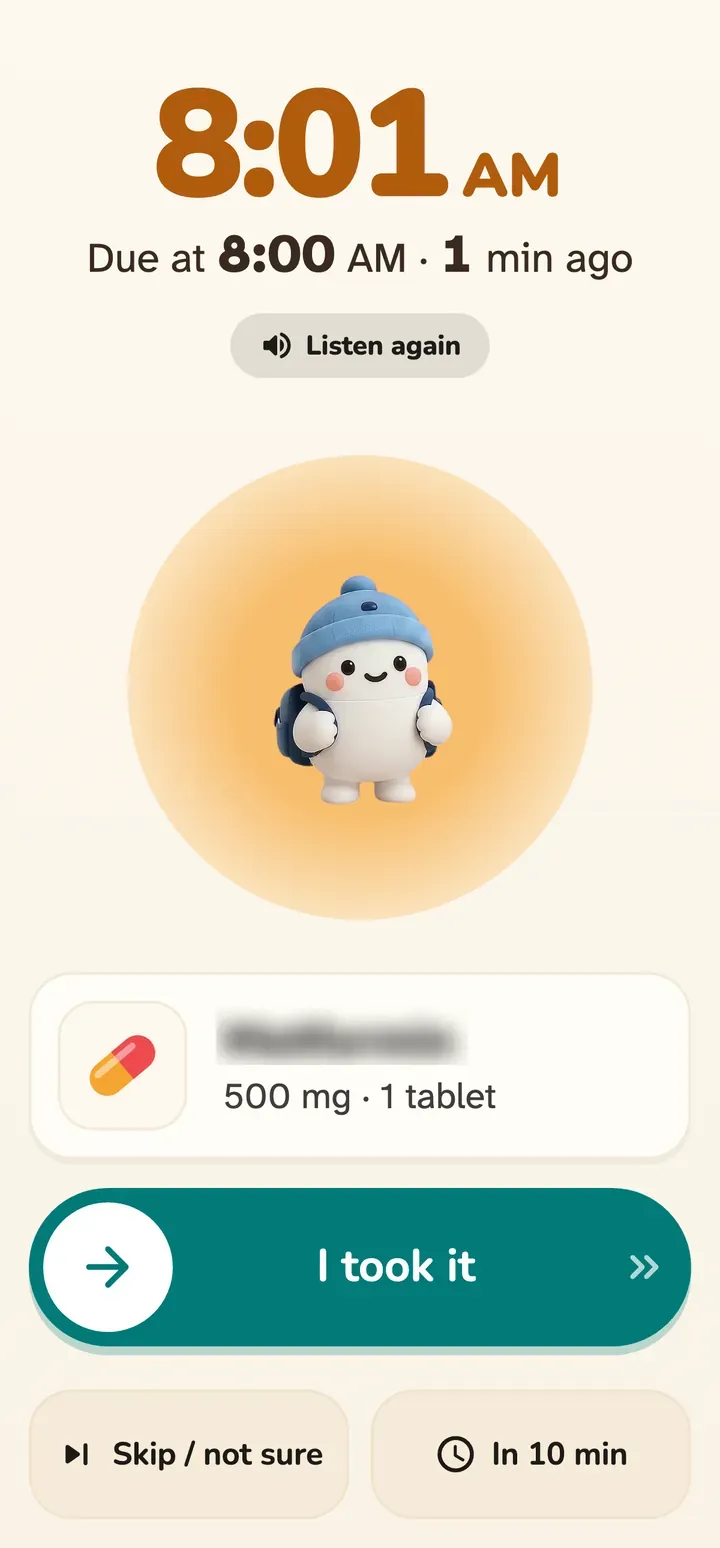
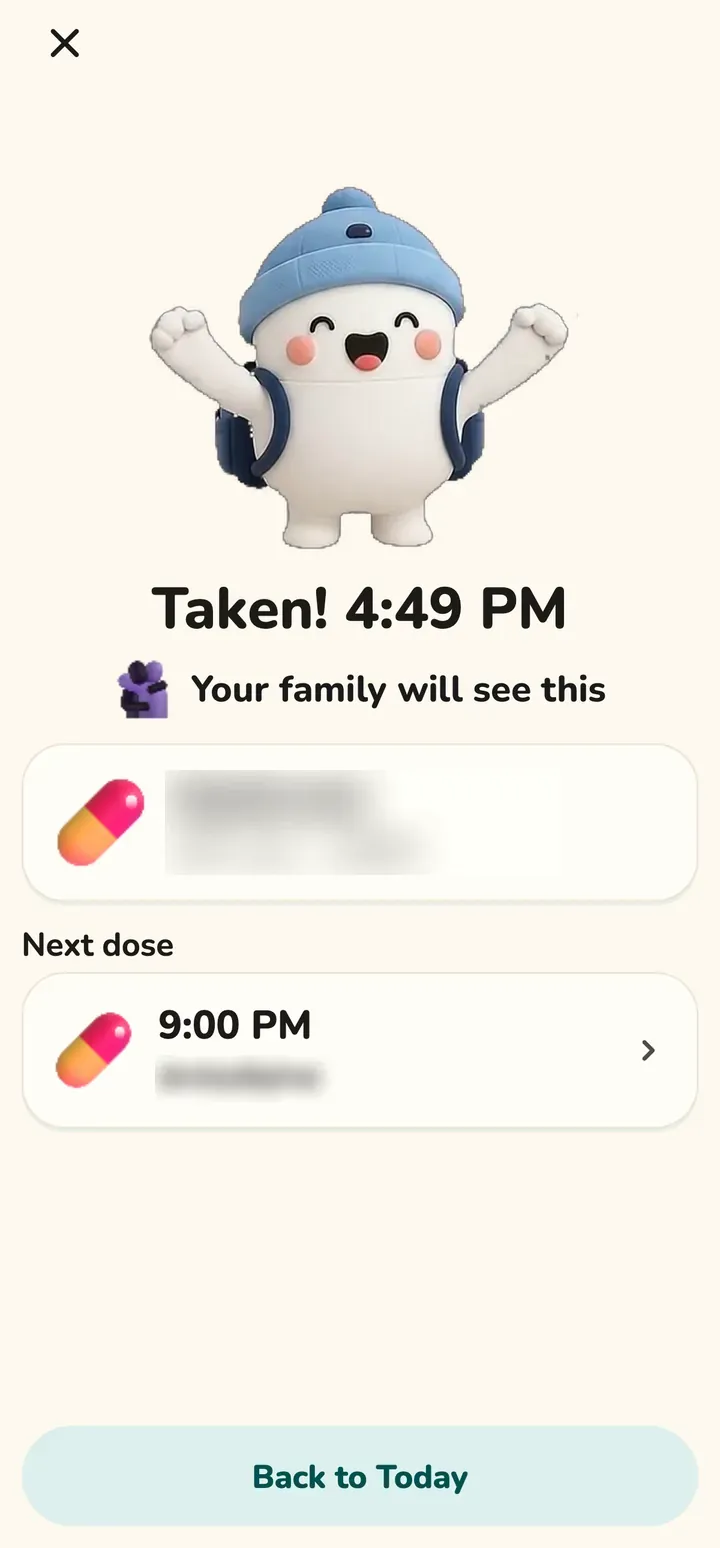
- At dose time the phone shows a full-screen call with three big buttons: green I took it, amber In 10 min and grey Skip / Not sure.
- If nobody answers
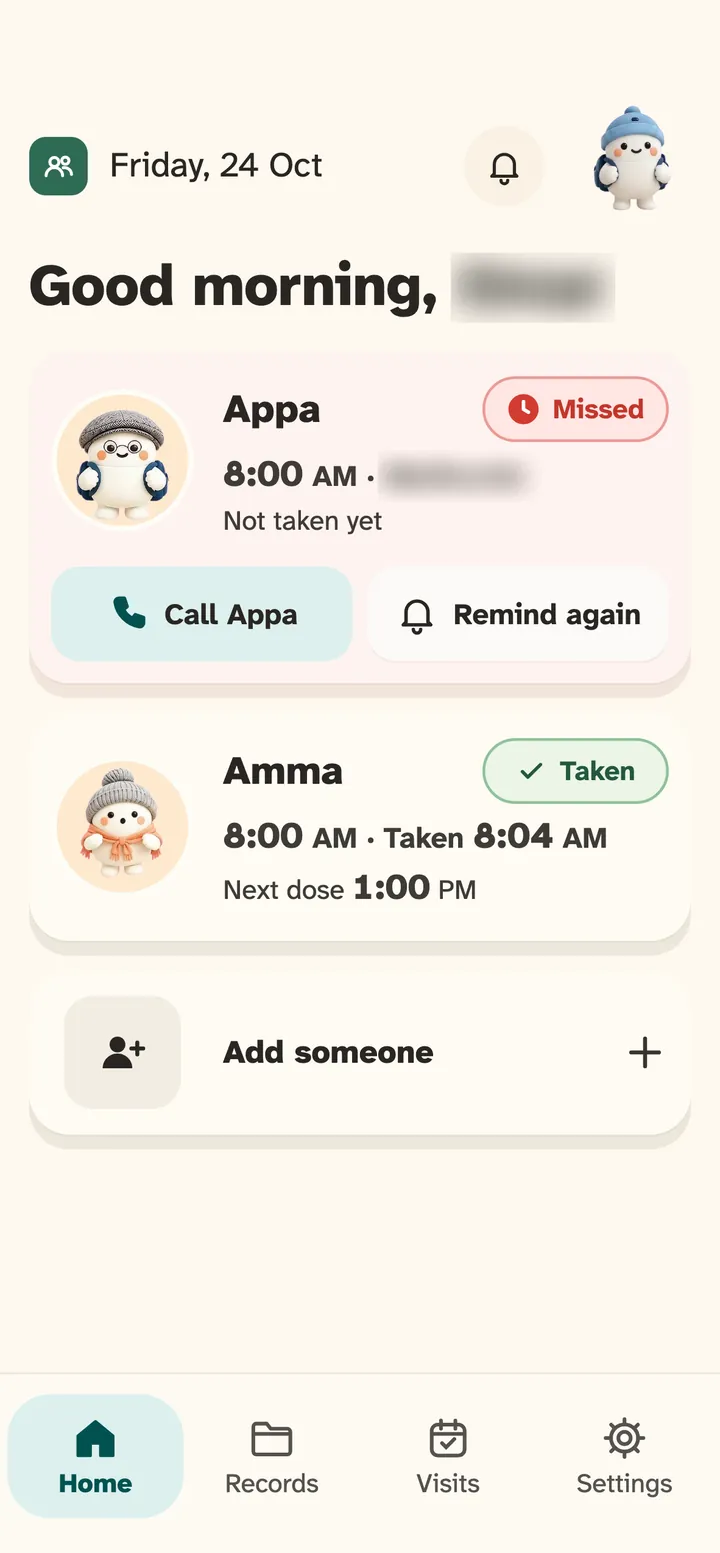
- It rings again after 10 minutes. With a subscription, family members who switched on No response alerts are told about 15 minutes after the dose time.
- Scan and read
- Photograph a prescription. AI reads the medicine names and a person checks them. Nothing is saved without a confirmation.
- Find parent
- With a subscription, ask where your parent is. They get a call-style request and share their location once with a green tap. It is deleted after 24 hours.

Be there for them, from anywhere.