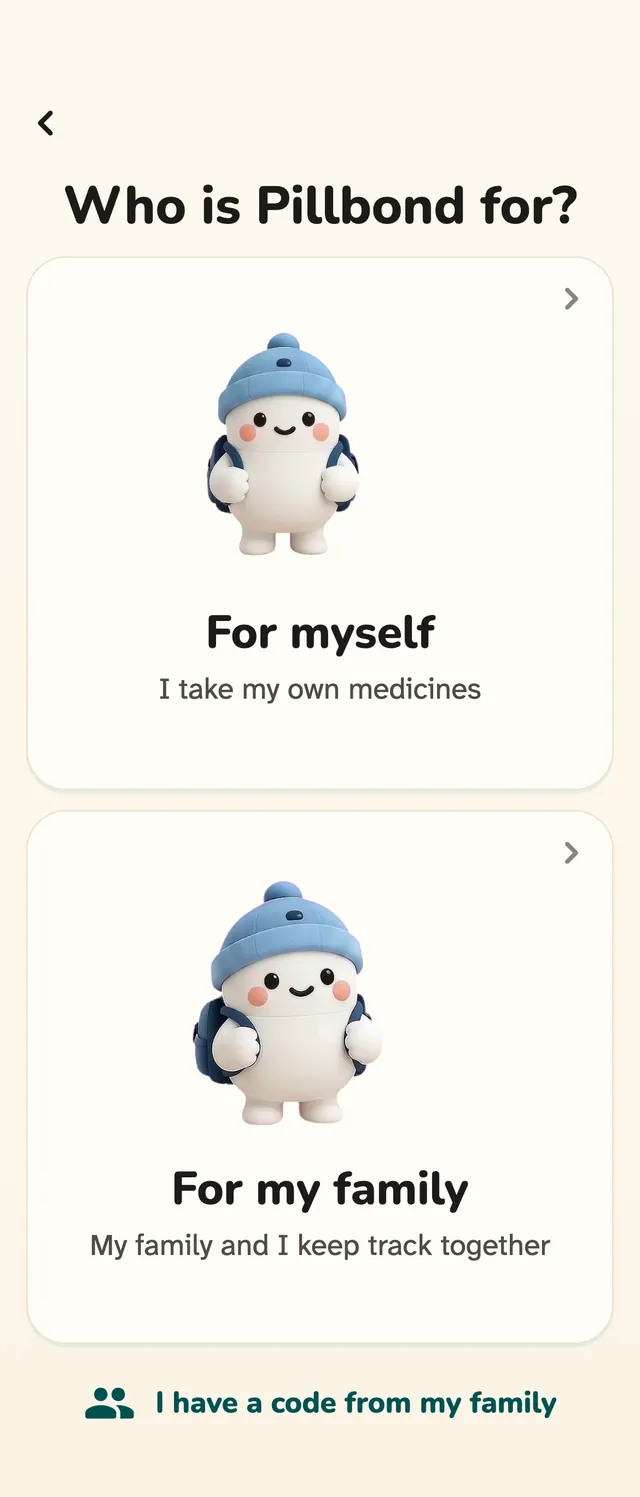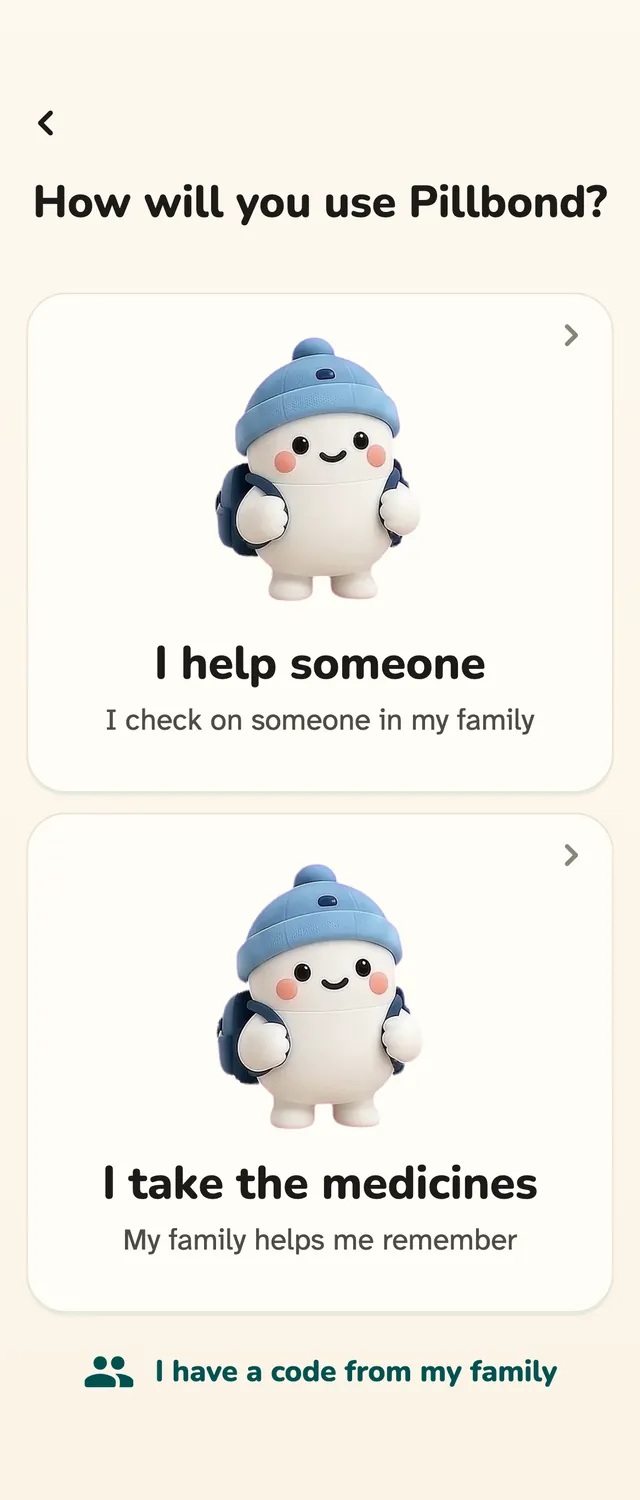

Myself and caretaker
Your Pillbond plan: the Myself side and the caretaker side
One Pillbond account has two sides: Myself, for your own medicines, and Caretaker, for looking after someone. Each side has one Subscription screen, and parents never see one.
Checked against the app on 12 November 2026 · 6 steps · 4 min read
Part of this guide may change soon. Screenshots of the Subscription screens come with the next update. Buying in the App Store or Google Play is built but not switched on yet, so today every phone shows the free state with nothing to buy. Decided but not live yet: a 30-day free trial from the App Store or Google Play, with the first charge after 30 days. A separate Myself plan to buy does not exist yet. Until it does, the Myself side buys nothing, and a Myself person who wants a store plan chooses the plan for 1 parent on the caretaker side, which also covers their own medicines.
Steps
Step 1: Know the two sides
You can use Pillbond for your own medicines (the Myself side) and to look after a parent (the caretaker side) with the same account. You move between the two inside the app, with no sign-out.
Step 2: Switch between Myself and caretaker
Open Settings and tap Switch role. A sheet called Use Pillbond as lists your sides. Tap one and the app opens it.
What the buttons do
- Myself: your own medicines.
- Looking after my family: the caretaker side.
- In use: marks the side that is open now.
Step 3: Open Subscription
On the Myself side, go to Settings and tap Subscription. On the caretaker side, go to Settings and tap Plan & subscription. Both open the same page, Your plan.
Step 4: Your plan on the Myself side
On the Myself side the page talks only about your own medicines, for example Free plan · your own medicines, with the line This plan is for your own medicines.
Step 5: Your plan on the caretaker side
On the caretaker side the page shows how many parents the plan covers, with the line One plan covers your parents. They have nothing to buy.
Step 6: Manage a store plan
A plan bought in the App Store or Google Play is managed there. Tap Manage subscription on Your plan to open your store's own subscription page, and cancel there.
What the buttons do
- Manage subscription: opens the App Store or Google Play subscription page.
- Restore purchases: finds a plan you already bought with this Pillbond account.
Good to know
- Medicine alarms and I took it keep working with or without a plan.
- Prices are shown only by the App Store or Google Play, in your own currency. Pillbond does not type a price on screen.
- Pillbond never stores card details. The store handles payment.
- If a smaller plan has fewer seats than the parents you look after, you get 7 days to remove someone. Nothing is deleted.
Questions about this
Do my parents need to buy anything?
No. Parents never see Subscription. One caretaker plan covers your parents.
Can I keep my own medicines and look after a parent?
Yes. Use Settings, Switch role. The Myself side holds your own medicines and the caretaker side holds the people you look after.
Do I lose anything when I switch sides?
No. Your people, medicines, history and alarms stay, and your own alarms keep ringing on either side.
Do alarms stop without a plan?
No. Medicine alarms and I took it always keep working.
How do I cancel a store plan?
Open Your plan, tap Manage subscription, and cancel in the App Store or Google Play.
More guides
- MyselfHow to use Pillbond for yourselfFor adults who look after their own medicines, with no family needed.
- CaretakerHow to look after your parent with PillbondFor sons, daughters and helpers who set things up and follow a parent's day.
- EveryoneSign in, manage your account and keep your data privateSign in, change language, export or delete your data, sign out and report a problem.